STARLINK MINI INSTALLED
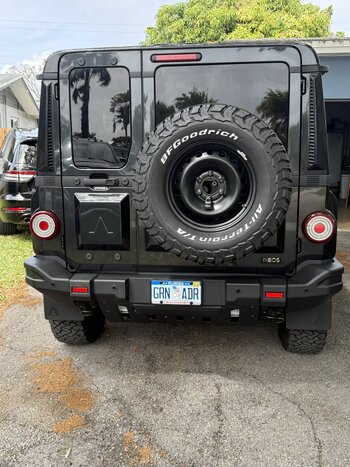
The Starlink Mini is installed and up and running on the Grenadier.
The Mini is secured in a
Smart Touring Systems lockable bracket (SMS) on the Rhino Rack Pioneer Platform. I have a
SMS voltage booster inside the bracket assembly plugged into the Mini. The power cable feeds into EXT3 on the passenger's side of the roof (RHD). The cable goes from a Deutsch DT plug on the Mini end to a Deutsch DTP on the rooftop outlet (EXT3).
The SMS bracket allows the Mini to be installed or removed very quickly, in around 1 or 2 minutes. I am making up a cable to plug the Mini into my Lithium powered battery box inside the car when parked overnight, if I need it. That will be a Deutsch DTP plug to a 50 amp Anderson.
The Starlink Mini can be used while driving or parked. When parked you need the EXT3 switch turned on as well as the PWR button.
I renamed the Starlink Network name to get rid of "STARLINK". I usually use Latin network names to make it obscure, here I used
Viva Cristo Rey (which is Spanish rather than Latin I think).
The hardest part was trying to work out how to put security on the Starlink Mini Wi-Fi connection. Wow what a task that was, for such a simple matter. NOTE: the Starlink Mini must be on, the Starlink app connected so you can get to Settings>Router to set up a password.
A video of the SMS bracket and voltage upconverter here: